Fast checkouts, always accurate prices.
Every item scans in one motion, promotions apply themselves, and customers in a hurry go through the kiosk.
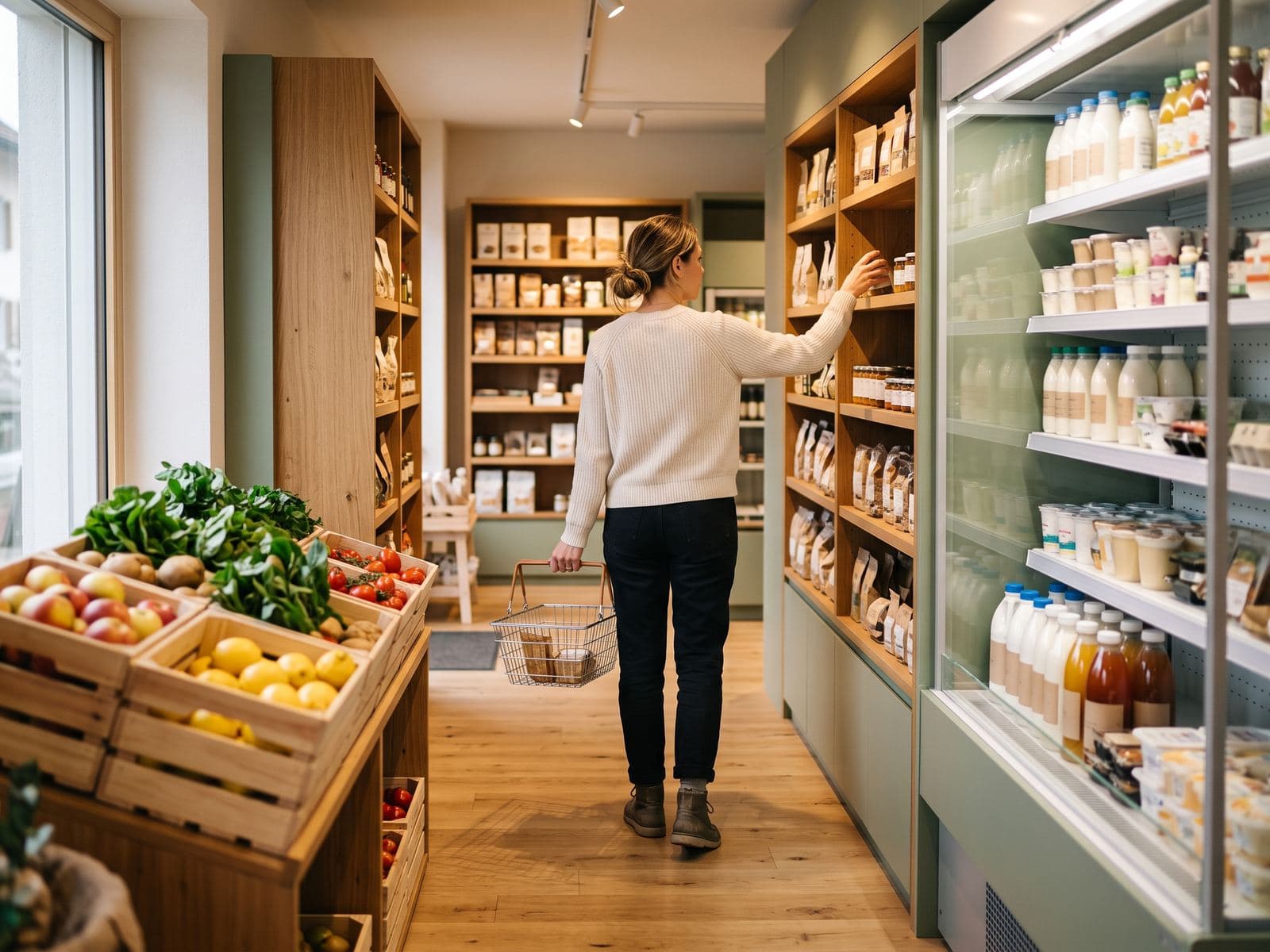
What gets in the way, and how the ZP Suite answers it.
The queue grows at peak times
Scanning takes one motion, and the ZP selfCheckout kiosk takes the small baskets: the customer scans their items and pays by card on their own.
Promotions complicate checkout
Quantity, percentage or fixed-amount promotions apply themselves at the till, with the crossed-out price shown.
Short-dated stock ends up in the bin
A markdown label, with its own barcode, lowers the price of a single item without touching the rest of the shelf.
Fruit and vegetables are weighed at the till
ZP POS reads the weight from the scale connected to the till and recognises weight/price labels: no figure to type in again.
The typical setup
One or more ZP POS tills with a barcode scanner, a connected scale for fruit and vegetables, and a payment terminal driven by the till. A label printer for prices and markdowns. A ZP Stock terminal for deliveries and stocktakes in the storeroom. And, where the shop allows it, a ZP selfCheckout kiosk for small baskets. Your reseller sizes the installation with you.
Compatible payments and hardware
Worldline, Nexi, Paytec, Wallee / PostFinance, Cima, Cashmatic, Shopify
The modules in this setup
The Windows touchscreen till at the heart of the suite, from shop to restaurant.
The customer orders and pays on their own. The queue moves.
Deliveries, dispatches, stocktakes and labels, from a handheld terminal.
A typical day with the ZP Suite
Example schedule, to adapt to your establishment.
07:00
Delivery
The delivery is logged on ZP Stock, in the storeroom. Stock is up to date before opening.
07:45
Markdown
Short-dated products get a markdown label, printed for each item.
12:15
Lunchtime
Small baskets go through the kiosk. At the till, fruit and vegetables are weighed without retyping anything.
17:30
Promotion
A quantity promotion applies itself at the till, with the crossed-out price shown.
19:00
Closing
The till closing is ready, sales and VAT included.
Frequently asked questions
Does the till handle promotions?
Can fruit and vegetables be sold by weight?
Is the kiosk suitable for a grocery store?
How does the markdown work?
Let us look at the setup for your establishment.
An authorised reseller in your region presents the setup suited to your business, then installs it and trains your team.