From order to bill, without recopying anything.
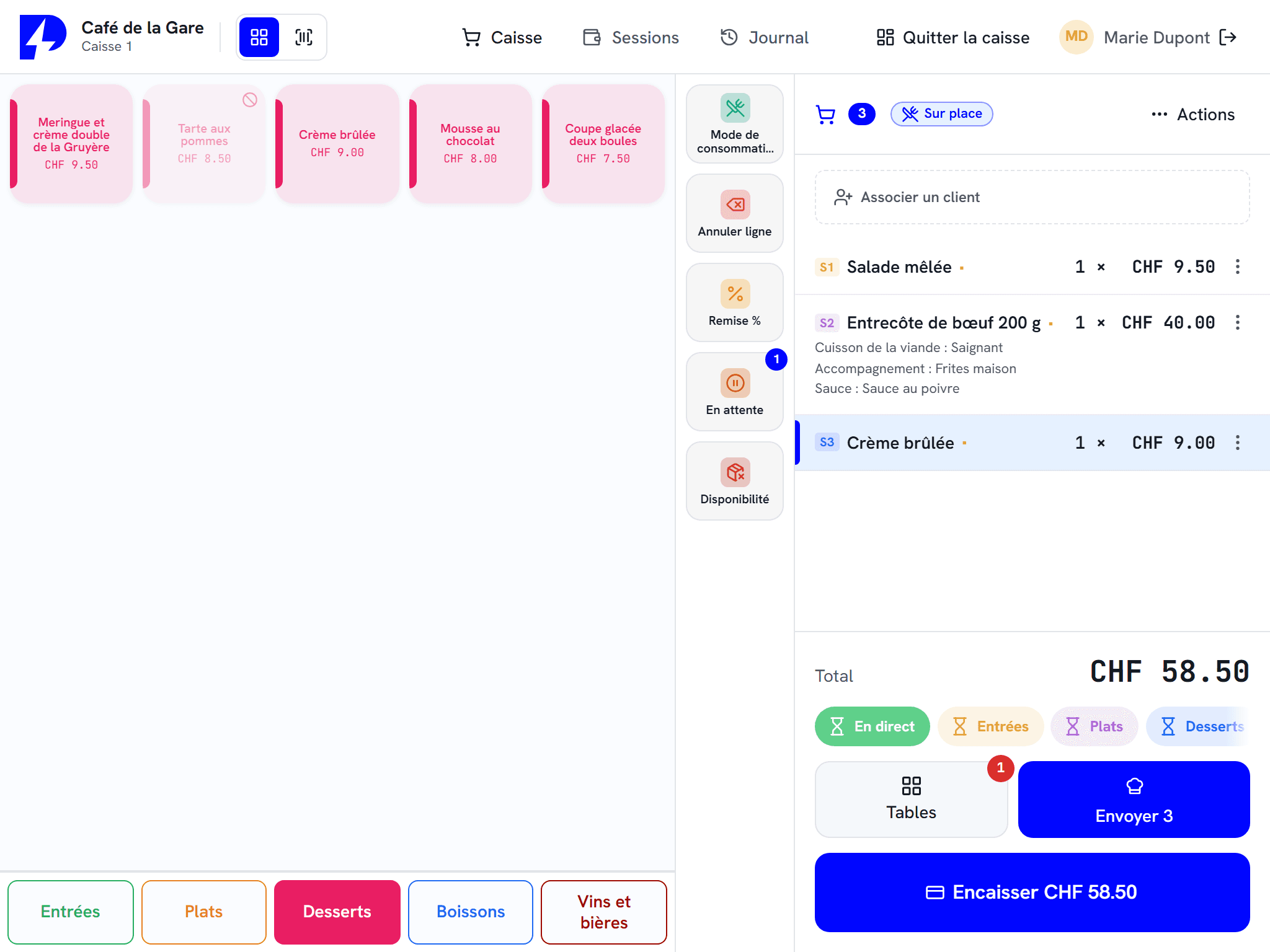
The order leaves the table, the kiosk or the mobile, reaches the right kitchen station and lands on the bill, with VAT following how it is consumed.
What the till does for your restaurant.
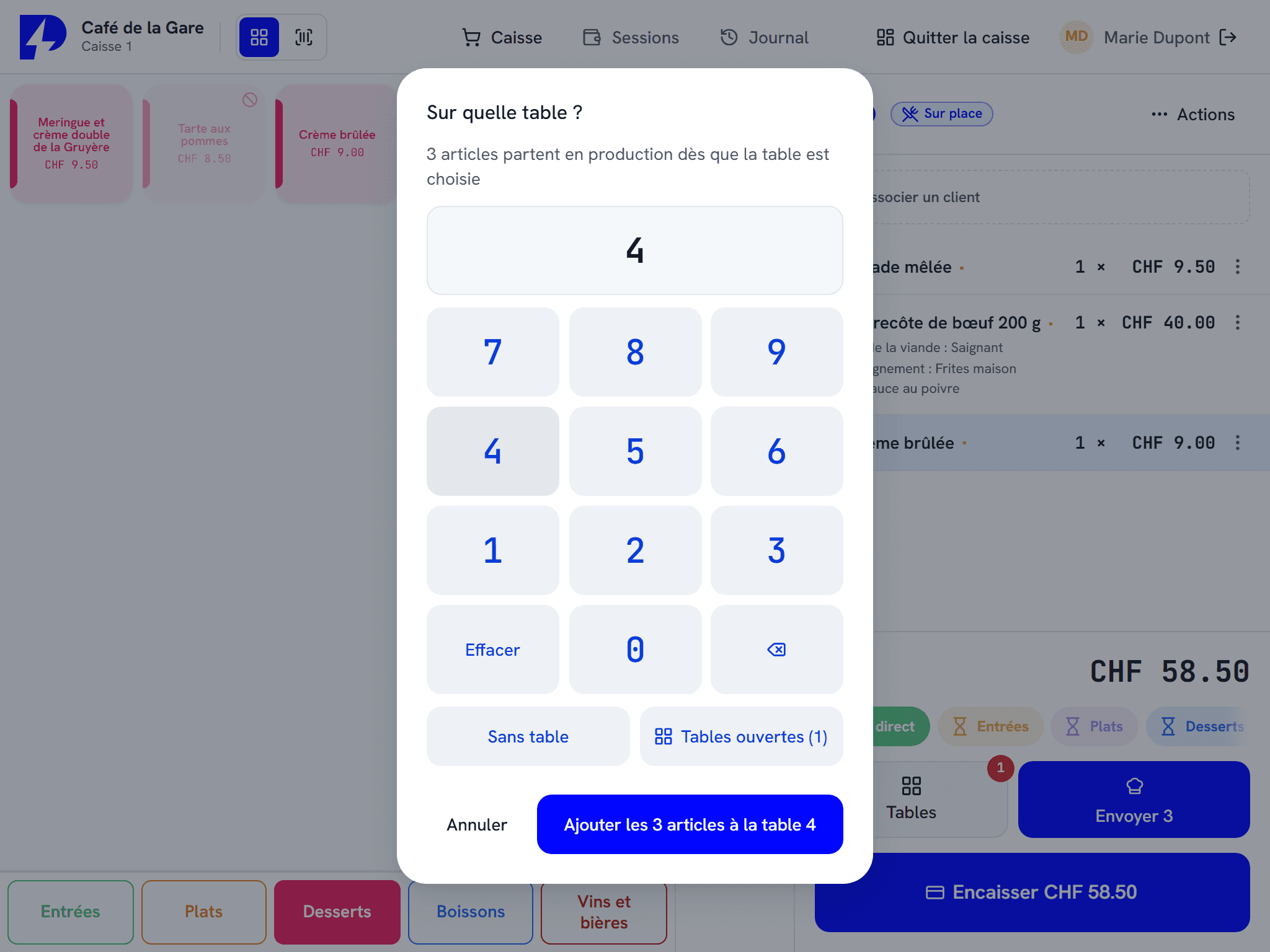
Table service
Tables, service rounds, table transfers and merges, bill splitting and tips: ZP POS follows every table through to the bill.
Connected kitchen
Every order reaches the right station, on ZP kDisplay or on the kitchen printer, with its options and notes.
Mobile table ordering
ZP mobileOrder takes the order at the table and can take payment directly from the smartphone.
Order kiosks
ZP selfCheckout takes the order and card payment. The order number is shown and printed on the ticket.
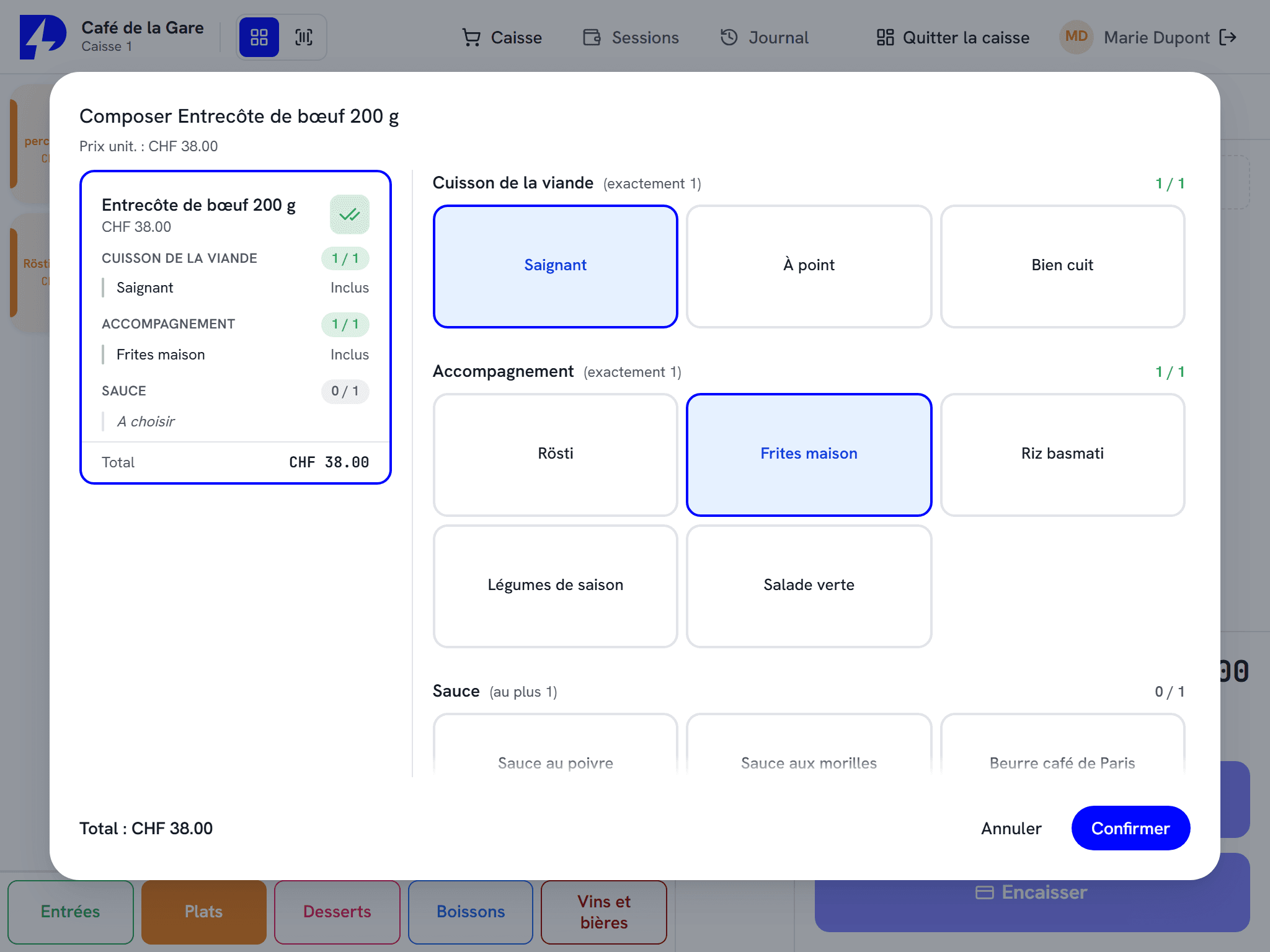
Menus, options and allergens
Menus, option groups, removable ingredients and the fourteen allergens: the menu is set up once for every till.
VAT for eat-in or takeaway
The VAT rate follows how the order is consumed, with no calculation needed at the till.
A restaurant on ZP POS V3.
Your service, your setup.
Every service has its own pace. Here is how the ZP Suite adapts to it.

Restaurants
Table service, shared bills, mobile ordering, orders sent to the right kitchen station.
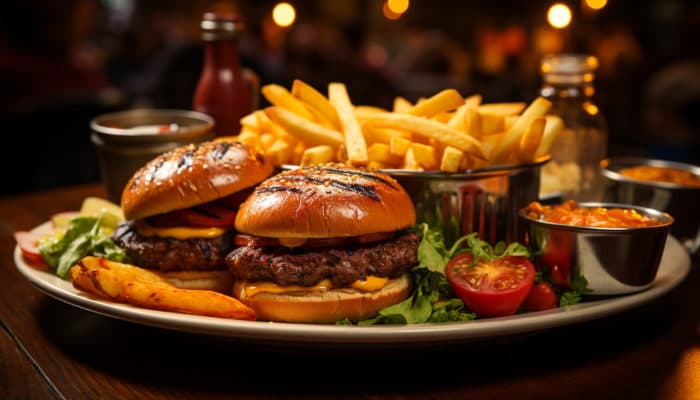
Fast food and takeaway
Kiosks, kitchen display and order calling. Throughput above all.
Events
Festivals, events, drinks stands: dozens of tills set up in a few hours, that keep running without a network.
The floor and kitchen modules
ZP POS at the counter, handsets on the floor, kiosks at the entrance and screens in the kitchen: everything shares the same menu.
The Windows touchscreen till at the heart of the suite, from shop to restaurant.
The order taken at the table goes straight to the kitchen.
The customer orders and pays on their own. The queue moves.
The kitchen display that replaces paper tickets.
Deliveries, dispatches, stocktakes and labels, from a handheld terminal.
Compatible payments and hardware : Worldline, Nexi, Paytec, Wallee / PostFinance, Cima, Cashmatic, Shopify
Frequently asked questions
Do we need the internet to take payment?
Are allergens handled?
Can a bill be split?
Who installs the hardware?
Let us look at the setup for your restaurant.
An authorised reseller in your region presents the setup suited to your service, then installs it and trains your team.